Open the official demo
- Open Pixmove’s Falling Pickaxe page and select Play Demo.
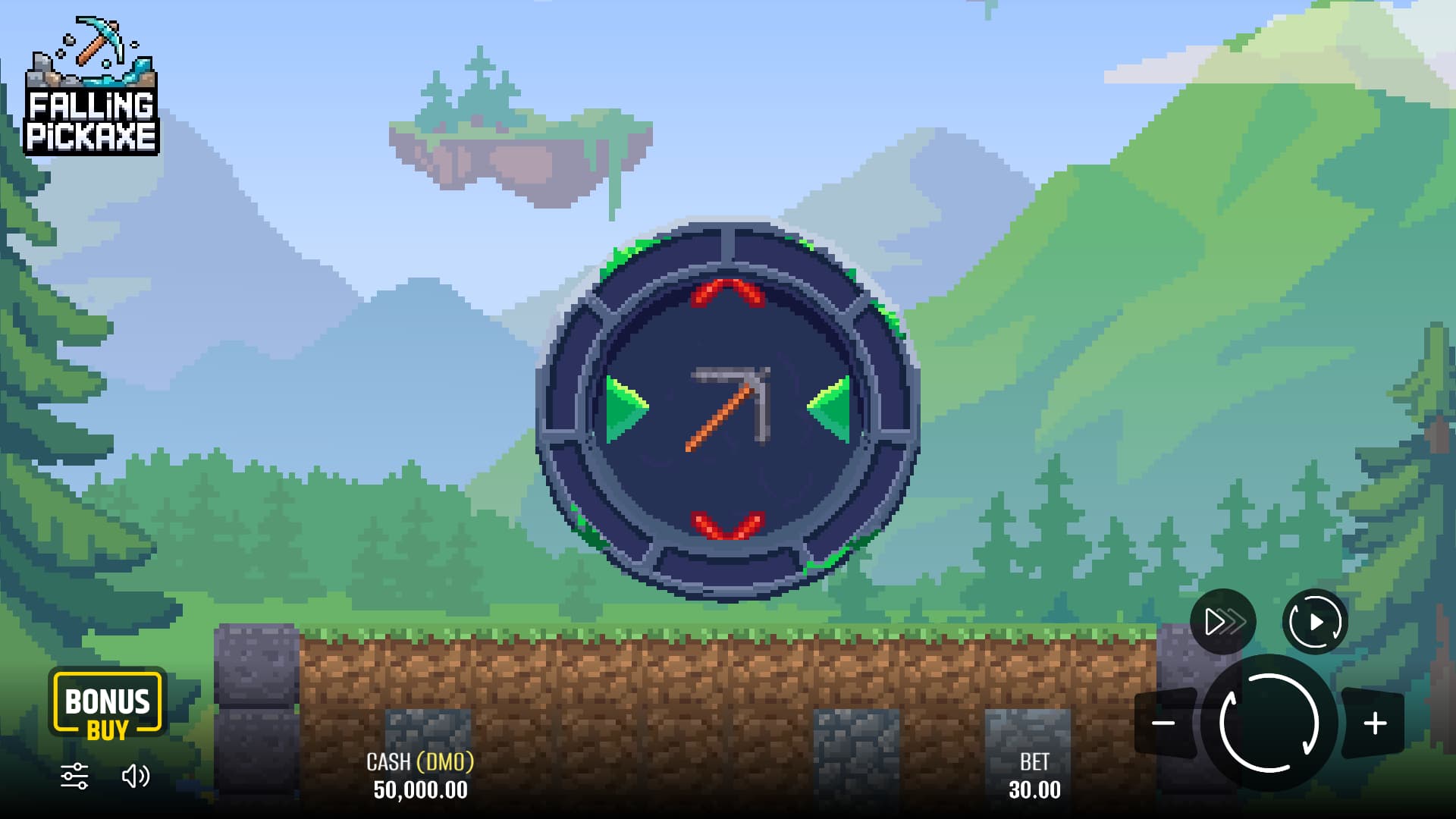
- Wait for the game to load and check the balance units. The label we saw was CASH (DMO).
- Open Menu near the sound control, then Rules. How to Play explains what happens when you spin.
We opened the client and read its Rules on 16 October 2026 without spinning, starting Auto or buying a feature.
Bookmark the product page. The game address Pixmove creates when you launch the demo is temporary, and opening a new session may reset the balance.
Can I play for free without a deposit or download?
Yes. Pixmove’s demo opened with DMO credits in our check. It required no casino account, deposit or downloaded game package. Access may vary by country and device.
The demo runs in your browser and needs an internet connection. For phone access and browser shortcuts, see App & Download.
What virtual credits mean
The demo balance we saw was labelled DMO. These are virtual credits. Awards in the demo can’t be withdrawn or claimed as a casino sign-up bonus.
You can see how the stake control works even with virtual credits. The Rules say Spin deducts the selected amount from the balance. Auto can repeat that action.
What you can learn from the demo
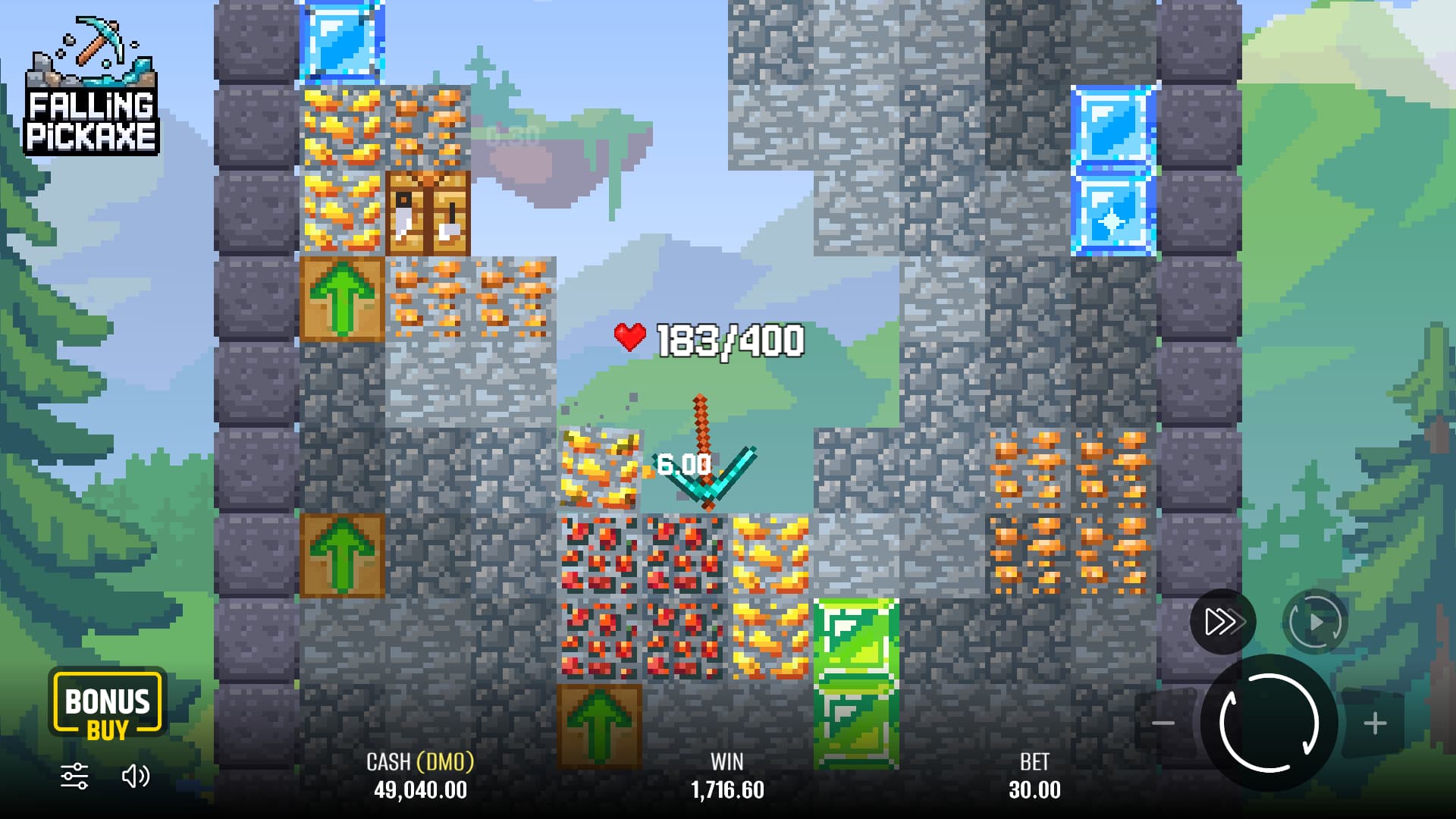
The client lets you inspect where the controls sit and read how tool durability, block rewards and special effects are described. You can compare those descriptions with the tool reference and paytable.
A few demo spins can’t tell you the game’s long-run return, the odds of its maximum win or whether a strategy works. We read the interface and rules without measuring outcomes. To check a casino’s country rules or withdrawals, you’d need information from the operator.
If the demo does not appear
Return to the product page and choose Play Demo again. If it still doesn’t load, check what the browser or the game displays.
| What you see | What to check | What the action does |
|---|---|---|
| An old game-session link fails | Return to Pixmove’s page and choose Play Demo. | Opens a new session. |
| A blank area or loading screen | Check whether the provider page itself loads and read any browser or connection error. | Helps distinguish a page-loading problem from a game-panel problem; a retry cannot remove an access restriction. |
| Controls do not fit or text is unreadable | Check the browser viewport and the game’s available display controls. | A provider portrait image is not proof of compatibility with your device. |
| A location or access restriction appears | Read the restriction and use the provider’s published support route if clarification is needed. | A restriction is not evidence that installing an APK will solve it. Do not bypass it. |
If the error persists, give Pixmove support the message, your browser, your device and the time it happened. Keep the temporary session token private.
Mobile access and paid play are separate questions
See App & Download for Android and iPhone browser access, the status of native apps and how to save a home-screen shortcut.
For documented casino listings, see Where to Play. A catalogue page is evidence that the operator lists the game, not that it is playable by every visitor.
Frequently asked questions
Will every session start with the same balance?
It can change. A new session may reset the balance, so use the amount you see after launch.
Do I need a casino account to read the Rules?
No account was needed in our visit. Access may vary by location or change later.
Can I treat demo and paid results as interchangeable?
No. The inspection did not compare the configurations of every demo and real-money client, and a demonstration does not test an operator’s payment service.
Sources and scope
Pixmove’s product page gives the published figures. We read the English Rules in the demo to check how the game works. The dates below show when we consulted each source. We didn’t test paid rounds, autoplay, purchases or withdrawals.
- Pixmove product pageProvider statement · consulted 2026-10-16
Pixmove’s published game figures and description. We didn’t independently audit its mathematics.
- Rules in Pixmove’s official demoOfficial Rules · consulted 2026-10-16
We opened Play Demo and read the English Rules on 16 October 2026. They cover the reel, HP, awards, effects, controls and settlement. We didn’t spin, start Auto or buy a feature. The client showed no build number.

Written by
Mark Roberts writes the English guides to Falling Pickaxe and compares it with other mining games.
Published